AlRayan Bank | The Group
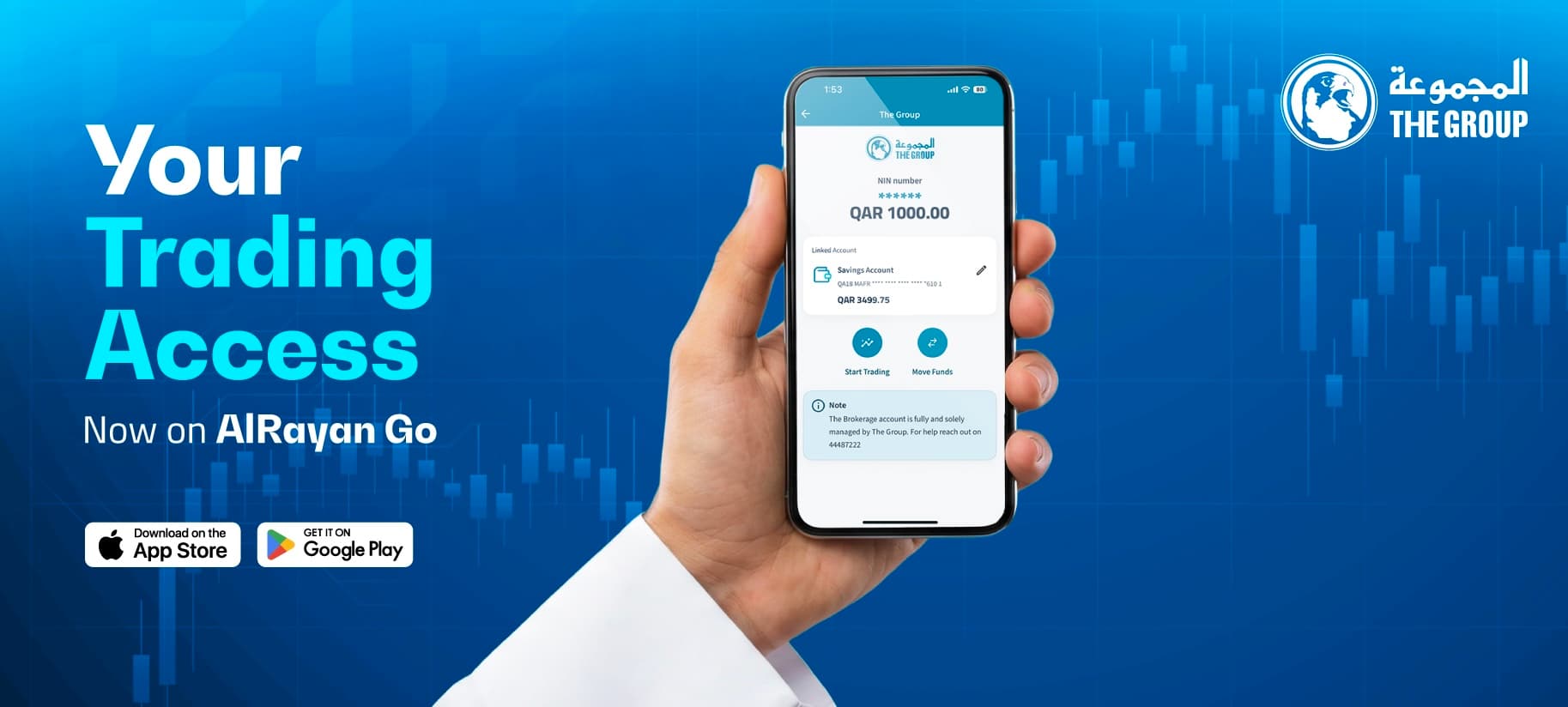
FAQs for ‘The Group’ on ARG
ARG customers who have an existing brokering account with the ‘The Group’ can
- Register for the service by inputting their NIN number.
- Link their AlRayan Bank account to their ‘The Group’ broking account.
- Through ARG, customers can then seamlessly move funds between their ‘The Group’ broking account and their AlRayan Bank account.
- Using ARG, customers can trade on the QSE (buy & sell shares).
- Register for the service by inputting their NIN number.
- Link their AlRayan Bank account to their ‘The Group’ broking account.
- Through ARG, customers can then seamlessly move funds between their ‘The Group’ broking account and their AlRayan Bank account.
- Using ARG, customers can trade on the QSE (buy & sell shares).
All AlRayan Bank Customers having a broking account with the Group can trade directly using the AlRayan Go app.
Visit the ‘Account’ Section of the app
- Access the new products section (‘+’ icon).
- Click on ‘Connect with The Group’ option
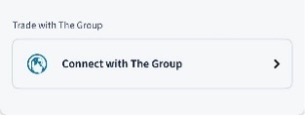
-Input your NIN. Select the account you wish to link to the service.
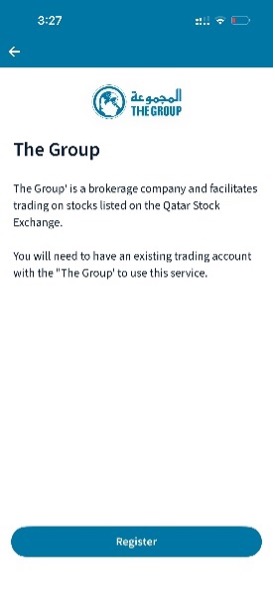
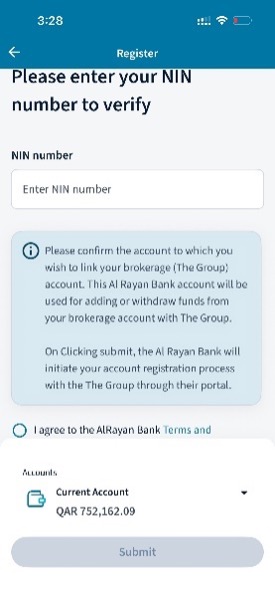
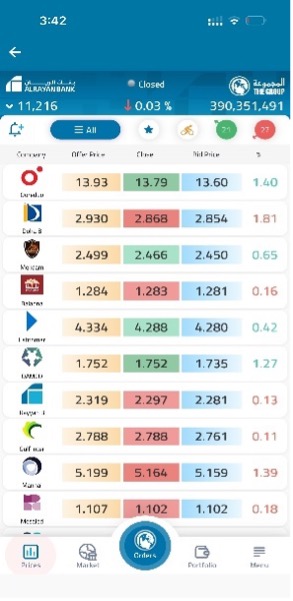 - You will then have successfully integrated with your ‘The Group’ account.
- Access the new products section (‘+’ icon).
- Click on ‘Connect with The Group’ option
-Input your NIN. Select the account you wish to link to the service.
A NIN number (National Identification Number) is a unique identifier issued by EDAA for investors trading on the Qatar Stock Exchange (QSE). If you don’t remember your NIN , use the link https://www.edaa.gov.qa/en/forgetnin, to open
a new NIN use the link https://www.edaa.gov.qa/en/nas-auth
To use Access the Group feature on ALRayan Go App, you need to have an Account with The Group. For more details on opening an Account with The Group kindly contact The Group Support Team on+974 44487222 or email at [email protected].
The error for registration would be for one of the following reasons.
- Data inputted by the customer (NIN) does not match with the details registered with the group. Please ensure correct details are inputted.
- The name registered with AlRayan Bank and different from that registered with ‘The Group’.
- Data inputted by the customer (NIN) does not match with the details registered with the group. Please ensure correct details are inputted.
- The name registered with AlRayan Bank and different from that registered with ‘The Group’.
By linking your account, customer can seamlessly & Instantly move funds (in & out) between the ‘The Group’ broking account and their AlRayan Bank account (24/7).
- If you have already registered, The Group’ will appear as one of your accounts.
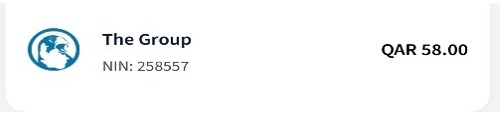
- Click on it to arrive the ‘The Group’ dashboard.
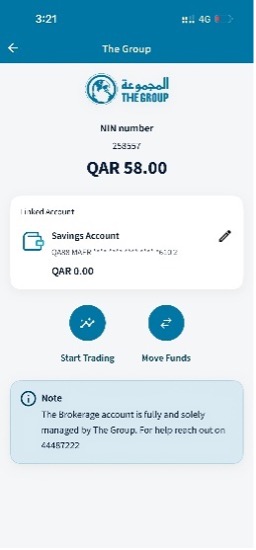 - The dashboard provides multiple options, one of which is to ‘Start Trading’.
- Click on it to arrive the ‘The Group’ dashboard.
- The dashboard provides multiple options, one of which is to ‘Start Trading’.For any Pending or Unexecuted Orders/Trades kindly contact The Group Support Team on +974 44487222 or email at [email protected].
Visit the ‘Account’ section of the app.
- Click on ‘The Group’ option.
- You will not see your account linked to ‘The Group’.
- Select edit option and select a new account you wish to link.
- Select the account you wish to link to the service.
- After your authentication (biometric+ Pin Code) you will be registered to the service.
- Click on ‘The Group’ option.
- You will not see your account linked to ‘The Group’.
- Select edit option and select a new account you wish to link.
- Select the account you wish to link to the service.
- After your authentication (biometric+ Pin Code) you will be registered to the service.
If you have already registered, The Group’ will appear as one of your accounts.
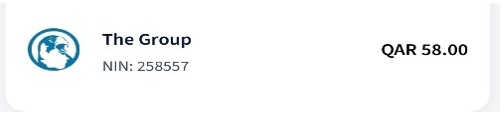
- Click on it to arrive the ‘The Group’ dashboard.
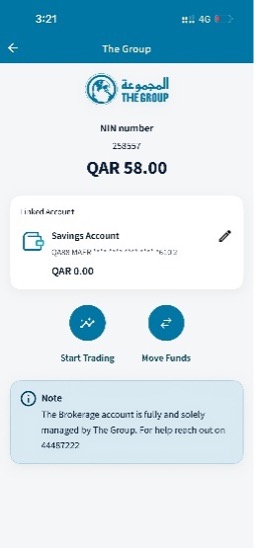
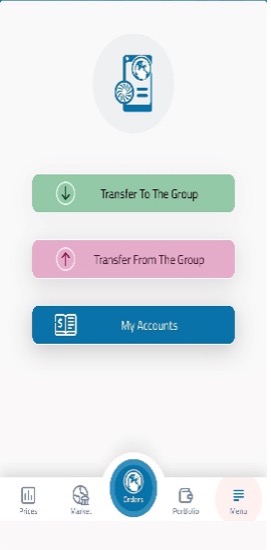 -Click on Move funds to add /withdraw funds to/from your ‘The Group’ broking account.
- Click on it to arrive the ‘The Group’ dashboard.
On the main ‘The Group’ dashboard click on the edit option next to the linked account to modify /change the account.
Copyright © 2026 AlRayan Bank. All rights reserved. © Disclaimer | Sitemap | Privacy Notice | Security Center