USRA – Family Banking
USRA – Family Banking
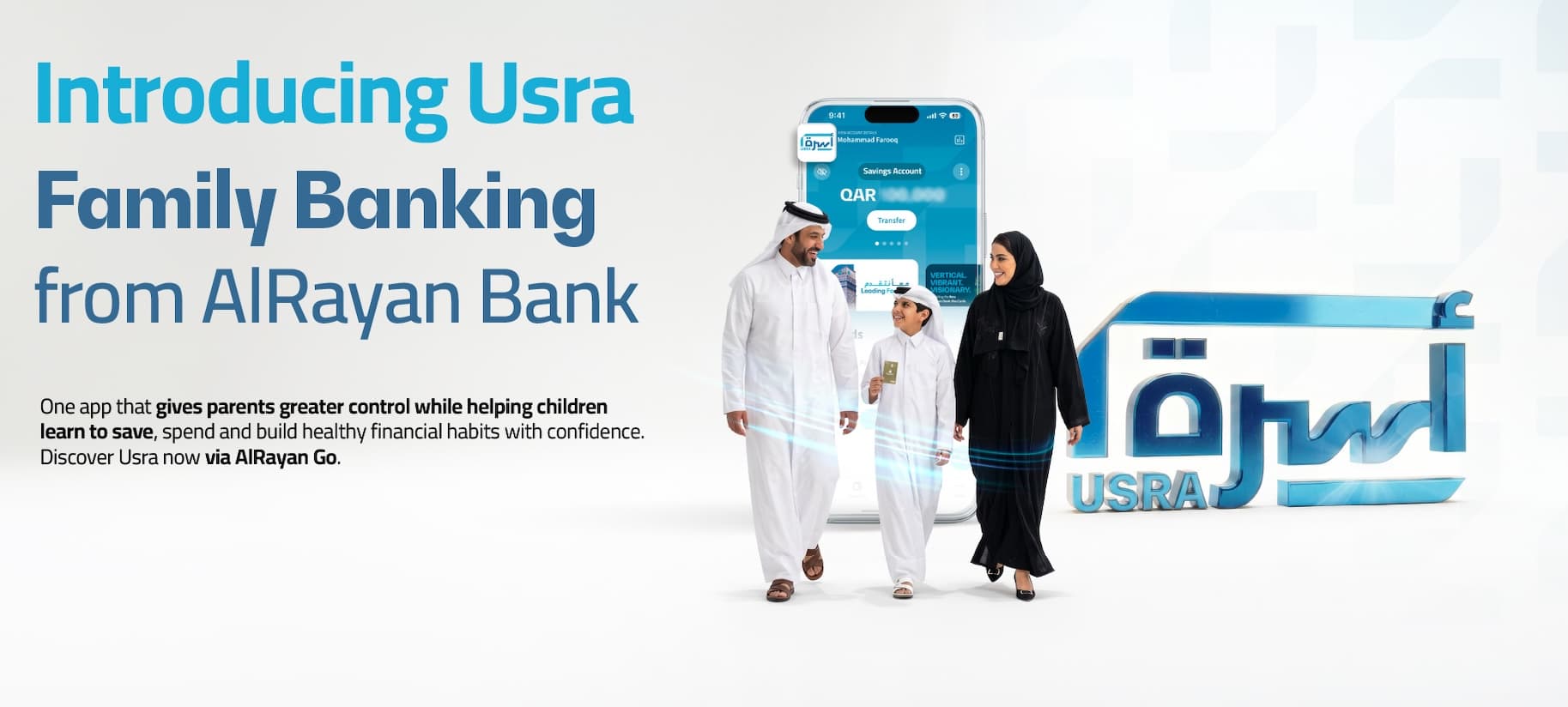
USRA is a family banking feature that helps parents and guardians introduce their children to banking and encourage responsible spending. It combines parental oversight with access to a prepaid card and the AlRayan Go mobile app, helping young users build confidence in managing their money.
1. Helping parents and guardians encourage responsible spending habits
USRA enables parents and guardians to take an active role in introducing their children to banking. By giving children access to banking under parental guidance, the feature creates opportunities for practical conversations about spending choices and responsible money management. It supports a gradual approach to financial independence, helping young users gain experience while their parent or guardian remains involved.
2. Issuing a prepaid card with parental controls
Through USRA, parents and guardians can issue a prepaid card for their child, providing a practical introduction to everyday money management. The parent or guardian controls the options available to the child, setting clear boundaries for how the card can be managed. This balances hands-on experience for the child with continued parental oversight.
3. Giving young users access through AlRayan Go
USRA gives children access to the AlRayan Go mobile app to view and manage their newly issued prepaid card within the permissions set by their parent or guardian. This offers a practical introduction to digital banking and helps young users become familiar with managing their card through a mobile app. The experience complements parental guidance by giving children an active role in their banking journey.
FAQs
As a parent or guardian, do I need to activate the USRA feature on AlRayan Go?
No. You do not need to activate or enable the feature. If minors are already linked to your profile, their details will automatically appear under the 'USRA' icon on your main dashboard. All existing linked minors will be visible.
Can a new minor register with AlRayan Bank through USRA?
USRA currently supports only existing minor accounts linked to your profile; it does not allow you to register a new minor with the bank. The option to register for a new minor through e-KYC will be introduced in future phases.
What can a guardian do through USRA?
Under USRA, the guardian can:
- View each minor's profile and products (accounts and cards) separately.
- Instantly issue a prepaid card for the selected minor.
- Add the card to Apple Wallet or Google Wallet.
- View full card details.
- Manage all options for the minor's prepaid card, including locking or unlocking the card, changing the PIN, managing transaction controls and spending limits, and replacing the card.
- Grant the minor permission to download and access the AlRayan Go app.
- Revoke the minor's access to AlRayan Go.
- Approve the minor's top-up requests and add funds to prepaid cards issued to the minor.
What can a minor do through USRA?
Under USRA, the minor can:
- Download the AlRayan Go app and log in once the guardian has granted access.
- View the prepaid card issued to them.
- Add the card to Apple Wallet or Google Wallet.
- View full card details.
- Manage only selected prepaid card options.
These options include locking or unlocking the card, changing the PIN, and enabling magnetic stripe transactions. All other options are view-only.
- Send a request to the guardian to add funds to their prepaid card.
- Manage his AlRayan Reward Points earned on his prepaid card spendings.
How does a guardian grant a minor access to AlRayan Go?
To grant a minor access to AlRayan Go, follow the steps below.
Step 1 – On the minor's app
- Download AlRayan Go from the Apple App Store or Google Play Store.
- Tap the login option.
- Tap 'Set Up Minor'.
- A QR code will be generated for the minor.
Step 2 – On the guardian's app
- Tap the 'USRA' icon on the guardian's main dashboard.
- Select the minor from the drop-down list.
- Only the accounts and products linked to the selected minor will be displayed.
- Tap 'Register Child App'.
- The phone's camera will open.
- Scan the QR code displayed on the minor's app and authorize access using biometric authentication.
Step 3 – On the minor's app
Once the guardian authorizes access through their app, the minor can set up their AlRayan Go login on their phone using biometrics and a passcode.
How does a guardian revoke a minor's access to AlRayan Go?
- Tap the 'USRA' icon on the guardian's main dashboard.
- Select the minor from the drop-down list.
- Only the accounts and products linked to the selected minor will be displayed.
- Tap 'Lock App Access' to revoke the minor's access to AlRayan Go.
What happens when a minor reaches maturity?
When a minor reaches maturity, their AlRayan Go access is automatically revoked. They must complete the full KYC process at a branch to obtain access to AlRayan Go & and his account as an adult.
What happens when a minor's guardian changes?
When a minor's guardian changes, the link between the previous guardian and the minor is removed. The previous guardian will no longer be able to view the minor's details, and the minor's access to their account will also be revoked.
The new guardian will have access to the minor accounts and needs to provided fresh AlRayan Go access to the minor.
Is there a age restriction for the minor to access AlRayan Go and have a prepaid card issued for him/her?
Yes, the minor needs to be 12 years and above to get access to AlRayan Go and have a prepaid card issued in his/her name.
USRA – Family Banking
USRA is a family banking feature that helps parents and guardians introduce their children to banking and encourage responsible spending. It combines parental oversight with access to a prepaid card and the AlRayan Go mobile app, helping young users build confidence in managing their money.
1. Helping parents and guardians encourage responsible spending habits
USRA enables parents and guardians to take an active role in introducing their children to banking. By giving children access to banking under parental guidance, the feature creates opportunities for practical conversations about spending choices and responsible money management. It supports a gradual approach to financial independence, helping young users gain experience while their parent or guardian remains involved.
2. Issuing a prepaid card with parental controls
Through USRA, parents and guardians can issue a prepaid card for their child, providing a practical introduction to everyday money management. The parent or guardian controls the options available to the child, setting clear boundaries for how the card can be managed. This balances hands-on experience for the child with continued parental oversight.
3. Giving young users access through AlRayan Go
USRA gives children access to the AlRayan Go mobile app to view and manage their newly issued prepaid card within the permissions set by their parent or guardian. This offers a practical introduction to digital banking and helps young users become familiar with managing their card through a mobile app. The experience complements parental guidance by giving children an active role in their banking journey.
FAQs
As a parent or guardian, do I need to activate the USRA feature on AlRayan Go?
No. You do not need to activate or enable the feature. If minors are already linked to your profile, their details will automatically appear under the 'USRA' icon on your main dashboard. All existing linked minors will be visible.
Can a new minor register with AlRayan Bank through USRA?
USRA currently supports only existing minor accounts linked to your profile; it does not allow you to register a new minor with the bank. The option to register for a new minor through e-KYC will be introduced in future phases.
What can a guardian do through USRA?
Under USRA, the guardian can:
- View each minor's profile and products (accounts and cards) separately.
- Instantly issue a prepaid card for the selected minor.
- Add the card to Apple Wallet or Google Wallet.
- View full card details.
- Manage all options for the minor's prepaid card, including locking or unlocking the card, changing the PIN, managing transaction controls and spending limits, and replacing the card.
- Grant the minor permission to download and access the AlRayan Go app.
- Revoke the minor's access to AlRayan Go.
- Approve the minor's top-up requests and add funds to prepaid cards issued to the minor.
What can a minor do through USRA?
Under USRA, the minor can:
- Download the AlRayan Go app and log in once the guardian has granted access.
- View the prepaid card issued to them.
- Add the card to Apple Wallet or Google Wallet.
- View full card details.
- Manage only selected prepaid card options.
These options include locking or unlocking the card, changing the PIN, and enabling magnetic stripe transactions. All other options are view-only.
- Send a request to the guardian to add funds to their prepaid card.
- Manage his AlRayan Reward Points earned on his prepaid card spendings.
How does a guardian grant a minor access to AlRayan Go?
To grant a minor access to AlRayan Go, follow the steps below.
Step 1 – On the minor's app
- Download AlRayan Go from the Apple App Store or Google Play Store.
- Tap the login option.
- Tap 'Set Up Minor'.
- A QR code will be generated for the minor.
Step 2 – On the guardian's app
- Tap the 'USRA' icon on the guardian's main dashboard.
- Select the minor from the drop-down list.
- Only the accounts and products linked to the selected minor will be displayed.
- Tap 'Register Child App'.
- The phone's camera will open.
- Scan the QR code displayed on the minor's app and authorize access using biometric authentication.
Step 3 – On the minor's app
Once the guardian authorizes access through their app, the minor can set up their AlRayan Go login on their phone using biometrics and a passcode.
How does a guardian revoke a minor's access to AlRayan Go?
- Tap the 'USRA' icon on the guardian's main dashboard.
- Select the minor from the drop-down list.
- Only the accounts and products linked to the selected minor will be displayed.
- Tap 'Lock App Access' to revoke the minor's access to AlRayan Go.
What happens when a minor reaches maturity?
When a minor reaches maturity, their AlRayan Go access is automatically revoked. They must complete the full KYC process at a branch to obtain access to AlRayan Go & and his account as an adult.
What happens when a minor's guardian changes?
When a minor's guardian changes, the link between the previous guardian and the minor is removed. The previous guardian will no longer be able to view the minor's details, and the minor's access to their account will also be revoked.
The new guardian will have access to the minor accounts and needs to provided fresh AlRayan Go access to the minor.
Is there a age restriction for the minor to access AlRayan Go and have a prepaid card issued for him/her?
Yes, the minor needs to be 12 years and above to get access to AlRayan Go and have a prepaid card issued in his/her name.